Remote Work and HR: Adapting Your Policies for a Distributed Workforce
The shift to remote and hybrid work is one of the most significant changes in the history of human resources. What started as a necessity has become a permanent expectation for millions of workers. But remote work introduces unique HR challenges that traditional policies — designed for in-office teams — do not address.
This guide covers how to adapt your core HR policies for a distributed workforce.
Attendance Tracking for Remote Teams
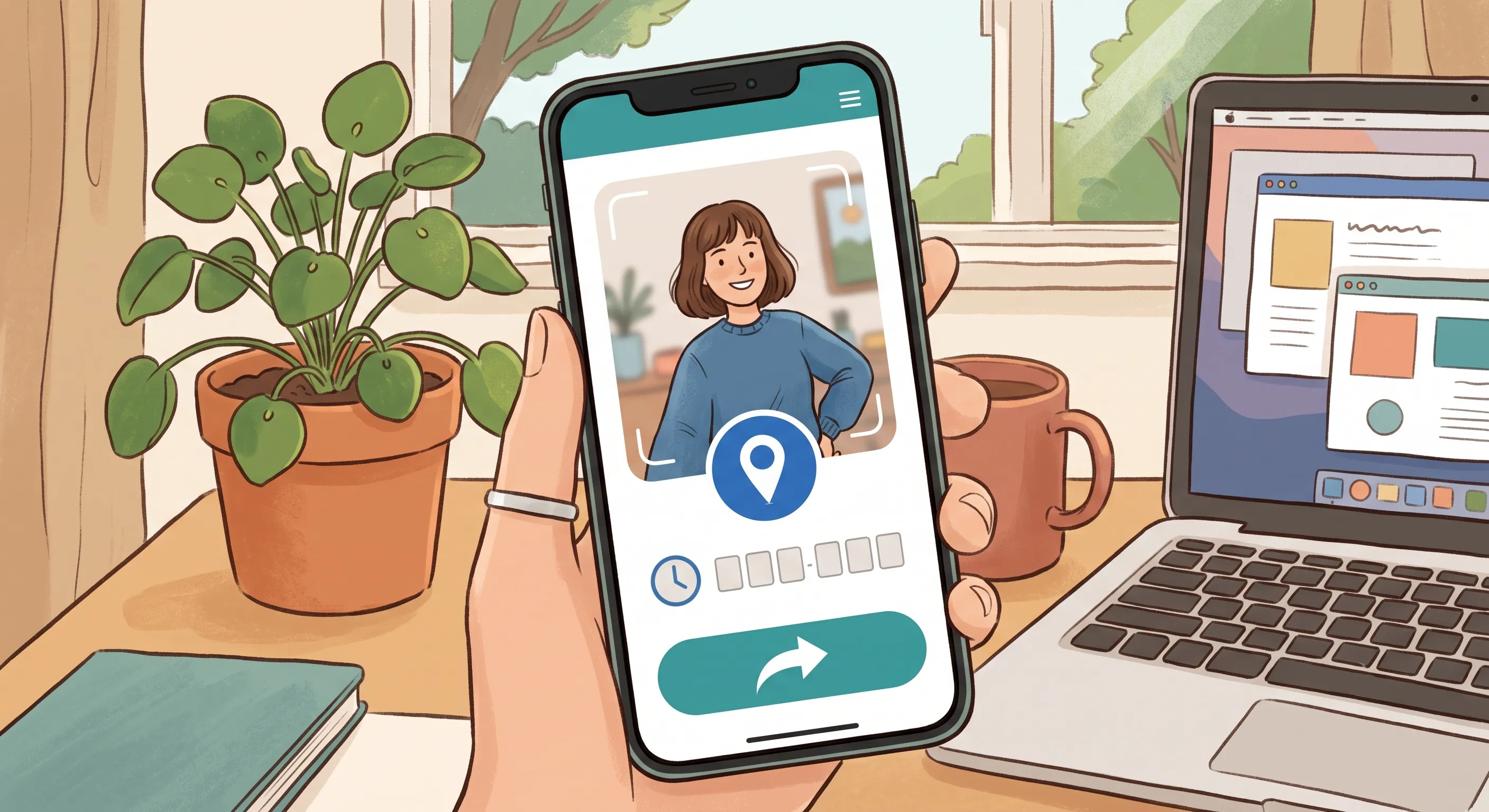
The traditional model of attendance — walk through the door, sit at your desk — does not apply to remote workers. But organizations still need to know who is working, when they started, and that the person checking in is actually the employee.
What Works for Remote Attendance
- Selfie-based check-in with GPS — Employees take a quick selfie when they start work. The photo confirms identity (no "buddy punching"), and GPS confirms the employee is at their registered work location (home, co-working space, or wherever they work from).
- Flexible hours with core overlap — Instead of a fixed 9-to-6 schedule, define core hours (e.g., 10 AM–3 PM) when all team members must be available for meetings and collaboration. Outside of core hours, employees have flexibility.
- Results-based tracking — For knowledge workers, shift the emphasis from hours logged to outcomes delivered. Did the project ship on time? Are clients satisfied? Is work quality high? These matter more than whether someone was online at 9:02 AM.
What to Avoid
- Keystroke monitoring or screen tracking — These tools damage trust, create anxiety, and are rarely correlated with actual productivity. They signal to employees that you do not trust them — and employees who feel distrusted perform worse.
- Rigid 9-to-5 expectations — Remote employees often work across time zones. Requiring them to be online during a specific office's hours is arbitrary and unfair. Focus on outcomes and availability during core overlap hours instead.
Leave Management Across Jurisdictions
Remote work often means employees are spread across different states, provinces, or even countries — each with its own leave laws.
Key Considerations
- Know the applicable leave laws for each employee's location. An employee working remotely from California is subject to California leave laws, not the laws of your headquarters state. This applies to sick leave, family leave, bereavement leave, and any other statutory leave.
- Configure leave policies per jurisdiction. Your HR system should support different leave allowances and rules based on employee location. An employee in a jurisdiction with mandated 5 sick days should not be held to a 3-day policy designed for a different location.
- Document location changes. When an employee moves to a new city, state, or country, update their employment record and review whether any policies change. An employee who moves without notifying HR can create unexpected compliance exposure.
Practical Tips
- Maintain a register of employee work locations and their applicable leave laws.
- Review leave policies annually to ensure they remain compliant as laws change.
- Use an HR system that supports per-employee leave policy overrides — so you can accommodate jurisdiction-specific rules without creating dozens of organization-wide policies.
Performance Reviews for Distributed Teams
Evaluating remote employees fairly requires different approaches than in-office evaluations:
Focus on Outcomes, Not Activity
When you cannot see someone at their desk, you must evaluate what they produce, not how they look while producing it. This is actually a better approach for all employees — in-office or remote — but it is essential for distributed teams.
Define clear, measurable goals at the start of each review period. Examples:
- Shipped feature X by Q2.
- Reduced customer support response time from 4 hours to 1 hour.
- Closed 15 new accounts in the quarter.
Address Visibility Bias
In-office employees often benefit from informal visibility — the quick chat with a manager in the hallway, being seen working late, presenting in person. Remote employees do not have these advantages, which can lead to them being overlooked for promotions and recognition.
Mitigate visibility bias by:
- Ensuring all important discussions and decisions happen in writing (shared documents, chat channels, project management tools) — not in hallway conversations.
- Rotating meeting times so no single time zone is always inconvenienced.
- Tracking contributions objectively (using project management tools, code repositories, ticket systems) rather than relying on manager impressions.
Written Feedback Over Verbal
Remote reviews benefit from more written documentation. Written feedback:
- Can be referenced later (no one forgets what was said).
- Gives the recipient time to process before responding.
- Creates a record for future reviews.
Encourage managers to provide written feedback before any live video discussion. The live conversation should be a dialogue about the written feedback, not the first time the employee hears it.

Building Culture in a Distributed Team
Culture does not require a physical office, but it does require intentional effort:
- Regular video check-ins — Not just work meetings, but informal coffee chats, team lunches (everyone orders delivery and eats together on video), and virtual celebrations.
- Written values and norms — Document your culture explicitly. What behaviors are valued? What is unacceptable? Remote teams cannot rely on osmosis to transmit culture.
- Recognition and celebration — Publicly recognize achievements in team channels. Celebrate work anniversaries, project completions, and personal milestones.
- Asynchronous-first communication — Default to writing (documents, messages) over meetings. This respects different time zones and work schedules. Meetings should be the exception, not the default.
Technology Requirements for Remote HR
Your HR tools must work for a distributed workforce:
- Cloud-based, accessible from anywhere — On-premise software that requires VPN access does not work for remote teams.
- Mobile-friendly — Remote employees may not always be at a desk. A PWA or mobile app that works on phones is essential for attendance check-in, leave applications, and accessing HR information.
- Self-service — Remote employees cannot walk over to HR's desk with a question. The HR system must be intuitive enough that employees can find answers and complete tasks on their own.
- Real-time notifications — Email and in-app notifications keep distributed teams connected. When a leave request is approved or a review deadline is approaching, the right people should be notified automatically.
Data Security for Remote Work
Remote employees access HR systems from home networks, coffee shop Wi-Fi, and co-working spaces — all of which are less secure than an office network. Mitigate risk by:
- Enforcing HTTPS for all HR system access.
- Requiring strong, unique passwords (and encouraging password managers).
- Implementing role-based access controls — remote employees should only access data relevant to their role.
- Educating employees about phishing, public Wi-Fi risks, and secure data handling.
- Never storing sensitive HR data on personal devices. All data should live in the secured HR platform.
Conclusion
Remote work does not require reinventing HR — but it does require adapting policies that were designed for a co-located workforce. Focus on outcomes over activity. Configure leave policies per jurisdiction. Mitigate visibility bias in performance reviews. Invest in cloud-based, mobile-friendly HR tools. And most importantly, build a culture of trust — because the best remote teams are built on mutual respect, not surveillance.
Further Reading
- How Selfie-Based Attendance Works in OpenHRApp — Photo + GPS check-in that works for remote and distributed teams without continuous tracking.
- Employee Privacy in the Age of Workplace Surveillance — How to adopt HR technology responsibly — verification, not surveillance.
- Leave Management Best Practices for Growing Teams — Multi-jurisdiction leave policies, team calendars, and scaling leave across distributed teams.
OpenHRApp is built for remote and distributed teams — cloud-based, works as a PWA on any device, with selfie-based check-in and GPS verification. Completely free. Get started.