How to Choose the Right HR Management Software for Your Small Business
Choosing your first HR management system is a pivotal decision for any small business. The right platform can save your team hours of administrative work every week, reduce compliance risks, and give you insights into your workforce that spreadsheets simply cannot provide. The wrong choice can waste money, create frustration, and leave you stuck in a contract with software that does not fit your needs.
In this guide, we will walk through a practical, no-nonsense framework for evaluating HR software — built specifically for small businesses with 5 to 100 employees.
It is easy to get excited by flashy features. AI-powered analytics, predictive turnover modeling, advanced workforce planning — these sound impressive but are rarely what a small business actually needs in year one.
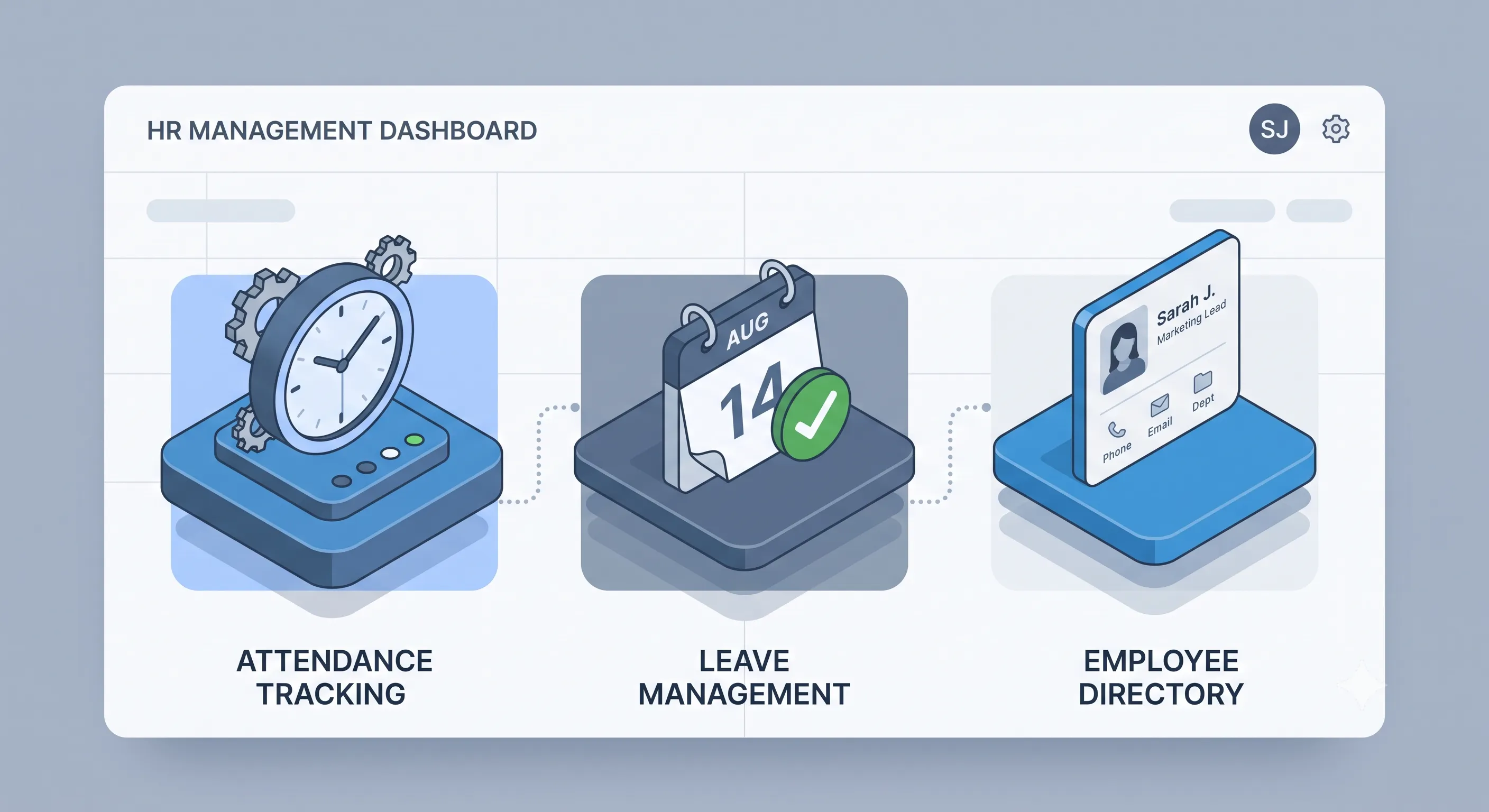
Begin by listing the HR tasks that currently consume the most time in your organization. For most small businesses, the top three are:
- Attendance and time tracking — Who is present? Who is late? How many hours did each employee work this month?
- Leave and absence management — Who has applied for leave? How many days do they have remaining? Who covers for them while they are out?
- Employee records and directory — Where do we store contact details, emergency contacts, job titles, and employment documents?
If these three areas are your pain points, look for software that handles them exceptionally well. Do not pay for modules you will not use for years.
Here is a practical breakdown of what matters at each stage of growth:
- Attendance tracking with timestamp verification
- Leave request and approval workflow
- Employee directory with search
- Role-based access (so employees see only their own data)
- Basic reporting (attendance summaries, leave balances)
- Performance review cycles
- Multi-department organization structures
- Integration with payroll software
- Custom leave policies per department
- Onboarding checklists and templates
- Advanced analytics and predictive modeling
- API access for custom integrations
- Single Sign-On (SSO)
- Multi-language support
- Custom branding and white-labeling
Focus on the must-have list. A tool that does the basics perfectly is far more valuable than one that does everything poorly.
Many HR platforms advertise low monthly fees but hide costs in per-user pricing. A typical model is $5–$10 per employee per month. For a 20-person company, that is $100–$200 per month — or $1,200–$2,400 per year. Add on extra fees for features like performance reviews or custom leave types, and the total can easily double.
Open-source HR platforms flip this model entirely. The software is free. There is no per-user charge. You pay only for hosting (if you self-host) or nothing at all if you use a free cloud tier. For a small business watching every dollar, the savings are substantial.
Open-source HR tools like OpenHRApp offer distinct advantages for small businesses:
- No vendor lock-in — Your data is yours. You can export it anytime in standard formats. If you outgrow the platform, you are not trapped.
- Transparency — The code is public. You can inspect it for security issues, or have a developer customize it to your exact needs.
- Community-driven improvements — Bugs get fixed fast because the community contributes. Features are built based on real user needs, not a sales team's quarterly targets.
- Cost predictability — No surprise price hikes, no "we changed our pricing model" emails, no per-user fees that skyrocket as you hire.
Before signing up for any HR platform, ask these five questions:
- Can I export all my data at any time? If the answer is not a clear "yes, in standard formats," walk away.
- What happens when I add more employees? Understand exactly how the price scales. Get it in writing.
- Is there a free trial or free tier? Test the software with real data before committing.
- How are updates and new features released? Frequent, small updates are better than one massive annual overhaul.
- Is there an active community or support channel? A responsive community forum or Discord server is often more helpful than a formal support ticket system.
If you are moving from spreadsheets (or another system) to a new HR platform, follow these steps:
- Audit your current data — Clean up duplicate records, fix inconsistent formatting, and archive old information you no longer need.
- Export everything — Download CSV files of all employee records, attendance logs, and leave history. Store them safely as a backup.
- Set up your organization structure first — Departments, designations, teams, and reporting hierarchies should be configured before you add individual employees.
- Configure policies and settings — Leave types, working hours, holidays, and approval workflows should match your actual policies.
- Import employees in batches — Start with a small test group, verify everything looks correct, then import the rest.
- Train your team — Even the most intuitive software benefits from a 15-minute walkthrough. Record a quick video or hold a short team call.
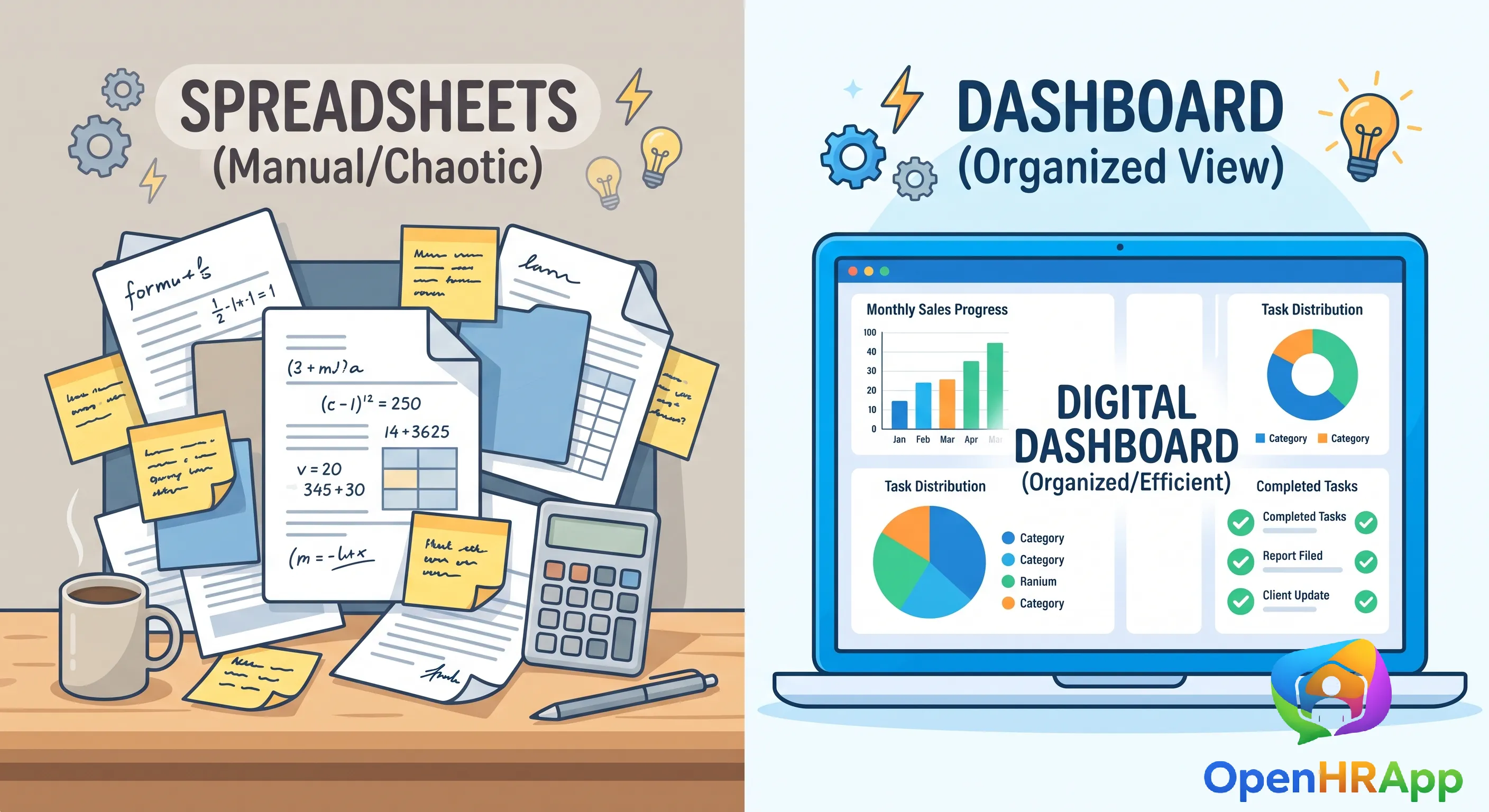
The right HR software saves time, reduces errors, and gives you back hours every week. For most small businesses, the best choice is a platform that handles attendance, leave, and employee records well — without locking you into expensive per-user pricing. Open-source options like OpenHRApp make it possible to get enterprise-grade HR tools completely free.
Take your time evaluating options. Test with real data. Ask hard questions about pricing and data portability. And remember: the goal is not to buy the most feature-packed software. It is to buy the software that makes your HR processes easier, faster, and more reliable.
Ready to get started? OpenHRApp is completely free — no credit card required, no per-user fees, no time limits. Sign up today and have your HR system running in minutes.